
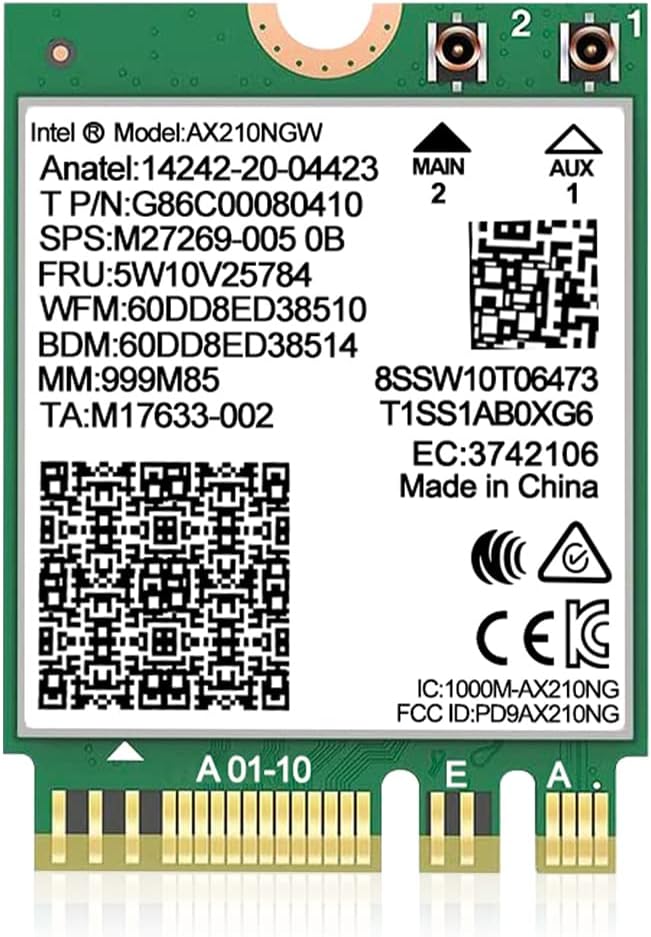
AX210NGW DTK WiFi Card
4.5Editor score
Tri-band 6GHz support
Bluetooth 5.3 integration
Includes full antenna kit
Explore the top M2 Key E WiFi cards for 2026. This guide compares Intel AX210, QCNCM865, and more for speed, compatibility, and value.
Upgrading your wireless connectivity starts with selecting the right M2 Key E WiFi card. These modules deliver faster speeds, lower latency, and better reliability for laptops and desktops alike.
We evaluated ten leading options based on chipset performance, band support, and real-world stability. Each entry balances modern standards like WiFi 6E and WiFi 7 with broad hardware compatibility.
Every pick highlights key specs, installation notes, and ideal use cases. Prices fluctuate frequently, so verify current listings before purchasing to ensure you get the best value today.
4.5Editor score
4.6Editor score

4.6Editor score
This side-by-side comparison highlights the most critical differences across all ten M2 Key E WiFi modules, helping you match performance with your specific hardware needs.
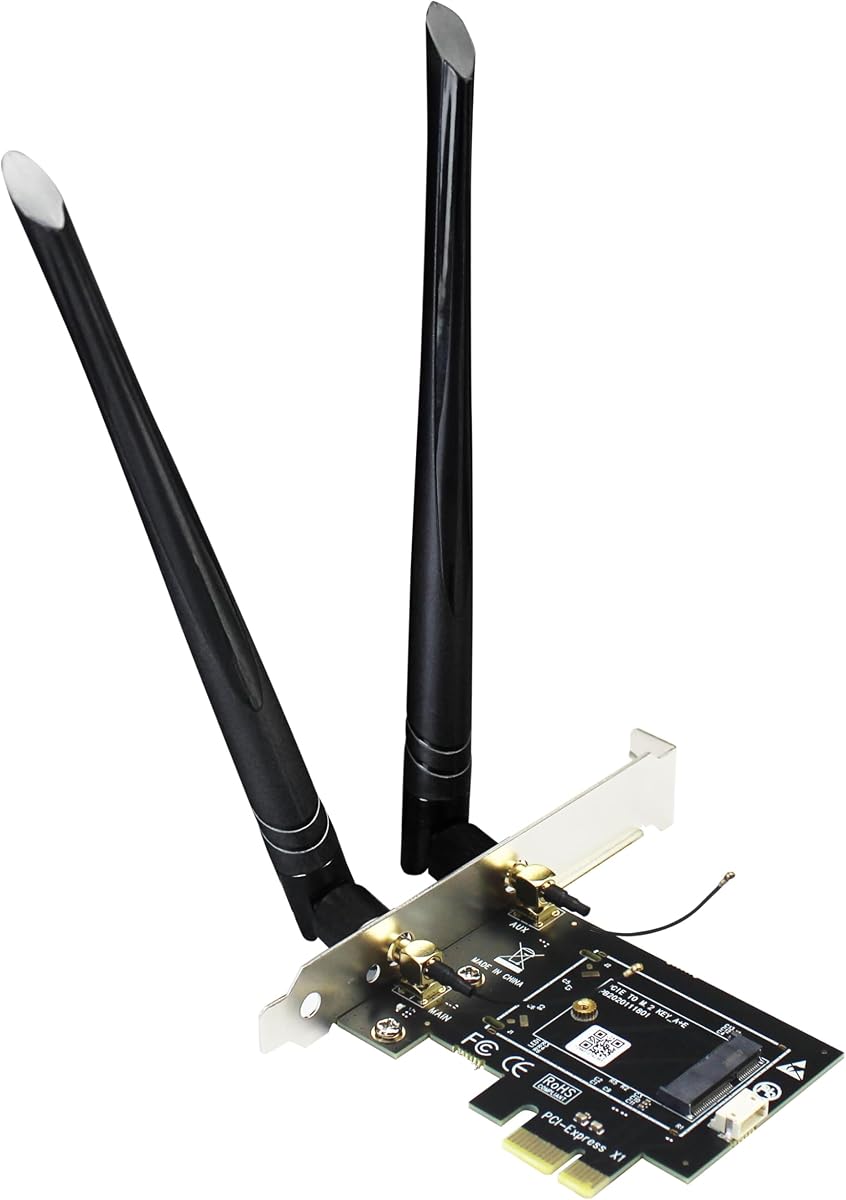





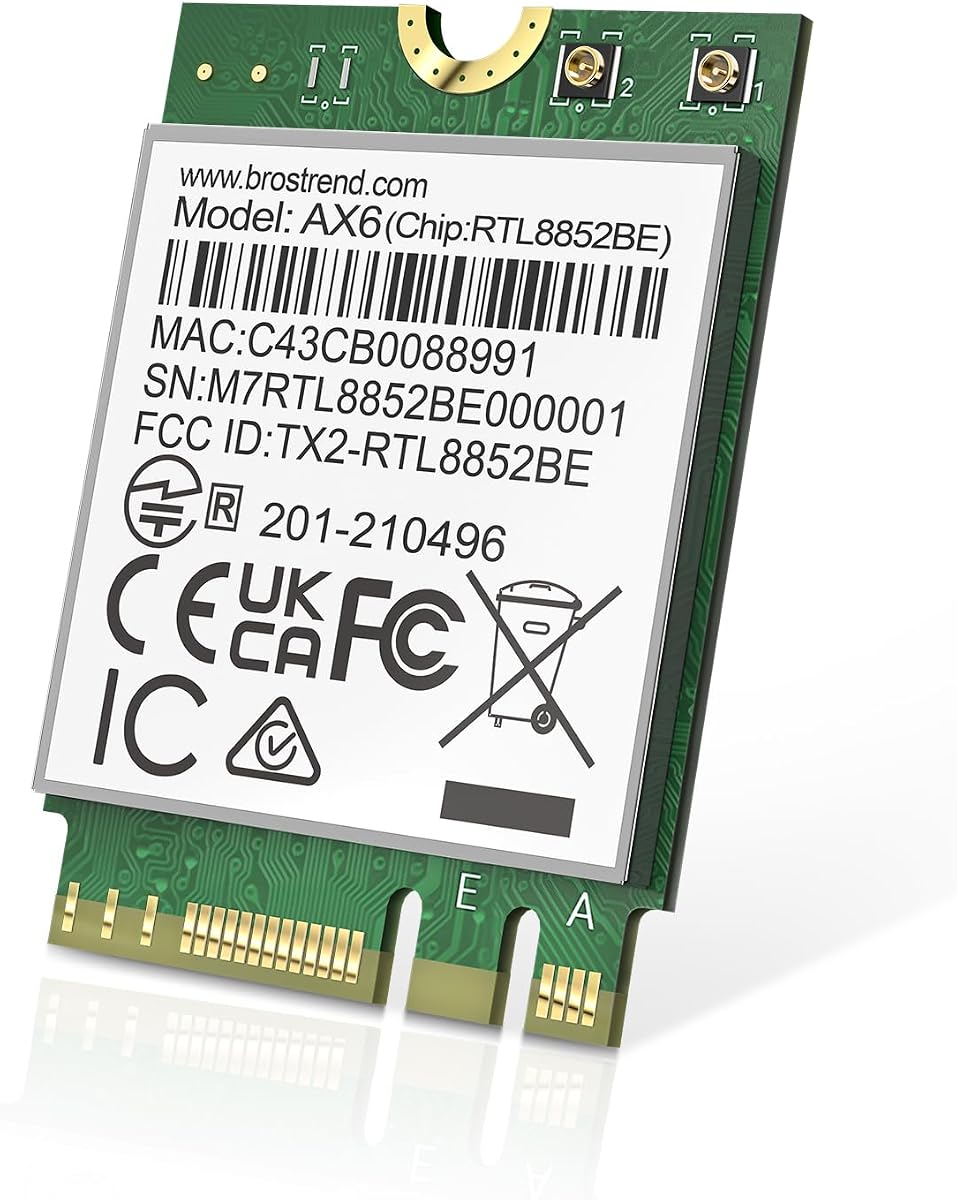
This AX210NGW DTK card delivers robust WiFi 6E performance with true tri-band support, earning a 4.5-star rating for reliability and speed.
We may earn a commission when you buy through this link, at no additional cost to you.
It brings wireless into the 6GHz band for interference-free streaming, while Bluetooth 5.3 ensures smooth peripheral connections with minimal latency.
Although the kit includes full antennas and brackets, users must download drivers from Intel, which can be slightly tedious for non-tech savvy buyers.
Ideal for gamers and remote workers, this card offers a complete upgrade solution for laptops and desktops needing modern wireless standards.
The 6GHz band reduces congestion, allowing sustained high throughput during video calls or large file transfers.
Includes all necessary cables, brackets, and high-gain antennas for a quick plug-and-play setup experience.
We may earn a commission when you buy through this link, at no additional cost to you.
This adapter bridges the gap between M.2 WiFi modules and standard desktop PCIe slots, supporting everything from WiFi 4 to future WiFi 7 standards.
We may earn a commission when you buy through this link, at no additional cost to you.
Users can leverage existing modules while gaining robust antenna connectivity, though Bluetooth relies on a separate USB cable for signal transmission.
Its main limitation is incompatibility with CNVio2 modules like the AX211, which restricts choice for some laptop upgrades but broadens desktop flexibility.
Perfect for DIY enthusiasts building custom PCs, this adapter offers versatile support for a wide range of NGFF and Coral TPU modules.
Designed to handle next-gen WiFi 7 modules, ensuring your desktop stays compatible with evolving wireless tech.
Robust SMA connectors provide secure, stable connections that minimize signal loss over time.
We may earn a commission when you buy through this link, at no additional cost to you.
Designed for users needing a simple bridge, this PCIe x1 adapter supports dual-band WiFi modules but requires a separate NGFF card to function.
We may earn a commission when you buy through this link, at no additional cost to you.
It works with both Intel and AMD motherboards and includes a full-height bracket, making it practical for standard tower cases.
Bluetooth setup involves a small 4-pin to USB 9-pin cable which can be fiddly to route inside compact chassis compared to integrated solutions.
Best for cost-conscious desktop builders, this adapter lets you repurpose existing laptop cards or buy separate modules for flexible setups.
Works across Intel and AMD platforms, giving users freedom to choose their preferred motherboard ecosystem.
Small footprint design ensures it fits in tight spaces while providing solid wireless access for your desktop.
We may earn a commission when you buy through this link, at no additional cost to you.
The QCNCM865 card is a flagship WiFi 7 module delivering blazing 5.8Gbps speeds and ultra-low latency when paired with modern routers.
We may earn a commission when you buy through this link, at no additional cost to you.
It supports Multi-Link Operation (MLO) to aggregate bands simultaneously, dramatically reducing lag for real-time gaming and VR streaming.
However, full performance demands Windows 11 24H2 or newer and a compatible WiFi 7 router, limiting utility for current legacy systems.
Gaming enthusiasts and pro users will appreciate this card's raw potential, ensuring your setup stays ahead of the wireless curve.
Leverages 4K QAM and 320MHz channels to achieve speeds nearly double those of WiFi 6E devices.
Compact M.2 design fits most modern laptops and desktops with standard Key E slots for easy installation.
We may earn a commission when you buy through this link, at no additional cost to you.
This Intel AX210 NGW card offers consistent tri-band performance with strong ratings, making it a top choice for daily laptop users.
We may earn a commission when you buy through this link, at no additional cost to you.
Its 5400Mbps speed and low power consumption ensure smooth multitasking without draining your laptop's battery during travel.
While drivers must be sourced directly from Intel, the process is straightforward and ensures you get the latest optimizations and security updates.
A dependable upgrade for students and professionals, this card balances speed, battery life, and compatibility exceptionally well across systems.
Intel's proven AX210 chipset delivers consistent throughput even in crowded wireless environments.
Optimized power management extends laptop life during travel or meetings by reducing energy usage during idle states.
We may earn a commission when you buy through this link, at no additional cost to you.
Priced competitively, this AX210 NGW card brings MU-MIMO and ultra-low latency to any M.2 supported laptop or desktop.
We may earn a commission when you buy through this link, at no additional cost to you.
It handles multiple devices simultaneously without speed drops, thanks to advanced OFDMA technology that optimizes data transmission.
Lack of a bracket means you must ensure your case supports the module's native fit or purchase one separately for stability.
Budget shoppers who still want modern performance will find this card delivers excellent results for everyday tasks and streaming.
Supports WPA3 encryption to protect your network from modern threats and unauthorized access attempts.
MU-MIMO allows simultaneous data streams, improving throughput when multiple devices are active on your network.
We may earn a commission when you buy through this link, at no additional cost to you.
This kit stands out for including powerful 8dBi antennas, giving users an edge in signal strength and range right out of the box.
We may earn a commission when you buy through this link, at no additional cost to you.
The inclusion of brackets and ipex cables simplifies installation, especially for those upgrading older laptops that lack antenna wiring.
While it requires Intel CPUs and M.2 slots, the robust antenna setup ensures a stable connection even at the edges of your home network.
Ideal for users needing maximum range, this kit offers a plug-and-play experience that minimizes setup frustration.
8dBi antennas provide significant signal boost, reaching further than standard low-gain modules.
All necessary parts are included, making it one of the most complete solutions available for upgrades.
We may earn a commission when you buy through this link, at no additional cost to you.
Designed for gamers, this QCNCM865 card prioritizes Multi-Link Operation (MLO) to maintain stable connections during intense online sessions.
We may earn a commission when you buy through this link, at no additional cost to you.
Its 5800Mbps speed ensures smooth streaming and downloads, while Bluetooth 5.3 connects peripherals with minimal delay or dropouts.
Strict compatibility with Windows 11 means it is less versatile for dual-boot users or those stuck on older operating systems.
Competitive gamers needing every edge should choose this card for its reliability and speed on supported systems.
Connects to multiple bands simultaneously, reducing packet loss and ensuring smoother gameplay.
Bluetooth 5.3 ensures keyboards and mice stay responsive without lag during critical moments.
We may earn a commission when you buy through this link, at no additional cost to you.
This dual-band card offers solid AX1800 speeds and Linux kernel 6.5 support, making it a great choice for developers using Linux.
We may earn a commission when you buy through this link, at no additional cost to you.
It lacks the newer 6GHz band, but provides reliable 2.4GHz and 5GHz connectivity for most standard browsing and media tasks.
Bluetooth 5.2 is slightly older than 5.3 but remains fully capable for connecting mice and headphones without issues.
Linux users or those on a strict budget will appreciate this card's simplicity and broad system compatibility.
Full compatibility with Linux systems ensures seamless operation without complex driver workarounds.
2230 form factor fits easily into tight laptop slots without blocking adjacent ports or components.
We may earn a commission when you buy through this link, at no additional cost to you.
Targeting enthusiasts, the BE200 delivers ultra-low latency with Bluetooth 5.4 and supports WiFi 7 speeds up to 5.8Gbps.
We may earn a commission when you buy through this link, at no additional cost to you.
Its Killer software prioritizes gaming traffic, ensuring smooth online experiences even when the network is heavily utilized.
It is strictly limited to Intel processors and Windows 11, which narrows its appeal but guarantees high performance on supported hardware.
Gaming rig owners with Intel CPUs should consider this the ultimate wireless upgrade for competitive performance.
Killer software ensures gaming packets get top priority over background tasks for zero lag.
Bluetooth 5.4 offers improved range and efficiency for your wireless peripherals.
We may earn a commission when you buy through this link, at no additional cost to you.
Selecting the right M2 Key E WiFi card requires evaluating your hardware, desired speed, and future-proofing needs to ensure a smooth upgrade.
Check if your system supports WiFi 6E or WiFi 7. Older laptops might need WiFi 6 to save money, while new desktops benefit from 6E or 7 speeds.
Choosing the correct standard ensures you can utilize the latest router capabilities without bottlenecks.
Bluetooth 5.3 and 5.4 offer better range and lower latency than older versions. Verify your chosen card supports the latest Bluetooth standards.
Updated Bluetooth ensures your headphones and controllers work seamlessly without connection drops or lag.
M2 Key E is standard for most laptops, but some slots use CNVio2. Ensure the card matches your motherboard slot to avoid compatibility issues.
Always check your motherboard manual before purchasing to confirm the slot type and supported protocols.
Newer cards often require Windows 11 for full features like MLO. Older systems might work but won't access all new capabilities.
Verify OS requirements in the product specs to prevent software conflicts after installation.
Some kits include antennas and cables, while others require you to reuse existing ones. If your laptop lacks external antennas, check if an external antenna option exists.
Proper antenna installation is key to maximizing range and signal stability.
Always check if drivers are easily available online. Cards requiring obscure drivers might be hard to troubleshoot if issues arise.
Look for cards with well-documented support to ensure smooth updates and maintenance.
Before installing, power off your device and remove the battery to prevent static damage. Ground yourself by touching a metal case before handling the card.
Insert the card into the M2 Key E slot at a slight angle and secure it with the screw provided. Ensure the antenna wires are attached firmly to the card.
After installing, update drivers from the official manufacturer website. Keep your system updated to maintain optimal performance and security.
Most modern laptops support M2 Key E, but some use CNVio2 slots instead. Check your motherboard manual to confirm compatibility before purchasing.
Yes, WiFi 7 cards are backward compatible with older routers. However, you will not get WiFi 7 speeds unless your router also supports it.
Yes, most desktop adapters require external antennas for proper signal transmission. Always use the provided kits for best results.
Upgrading internal components like a WiFi card usually voids warranty seals. Check your warranty terms or have a professional install it.
Download drivers from the manufacturer's website. Search for your model number and install the latest version for your operating system.
Yes, especially if you have a compatible router and need interference-free speeds. The 6GHz band offers significant advantages for gaming and streaming.
From the reliable AX210 options to high-speed WiFi 7 modules, the right M2 Key E card depends on your budget and system requirements.
Prioritize compatibility with your motherboard and router to unlock the full potential of your chosen wireless upgrade.
Remember to verify current listings and prices before buying, as offers change frequently across online retailers.